one sec and Opal alternative: a pause that teaches you something
By the Braintoll team · · 4 min read
The short answer
one sec shows a breathing exercise before an app opens, Opal locks apps during focus sessions, and Braintoll asks for a few flashcards before a distracting app opens, so the pause teaches you something. Choose one sec for a pure pause, Opal for a lock you can't end early or for blocking on your Mac, and Braintoll if you want every interruption to build vocabulary or exam knowledge.
On this page
If you’ve searched for a way to stop opening social apps on autopilot, you’ve probably come across one sec and Opal. Both are well-made apps, and both take the problem seriously. They just solve it in different ways, and Braintoll takes a third.
This page compares the three honestly, including when one of the others is the better choice. If you’re looking specifically for apps that make you learn before you scroll, our overview of learning apps that block social media covers those. For a wider field with prices, see the best app blockers compared.
Three ways to interrupt a habit
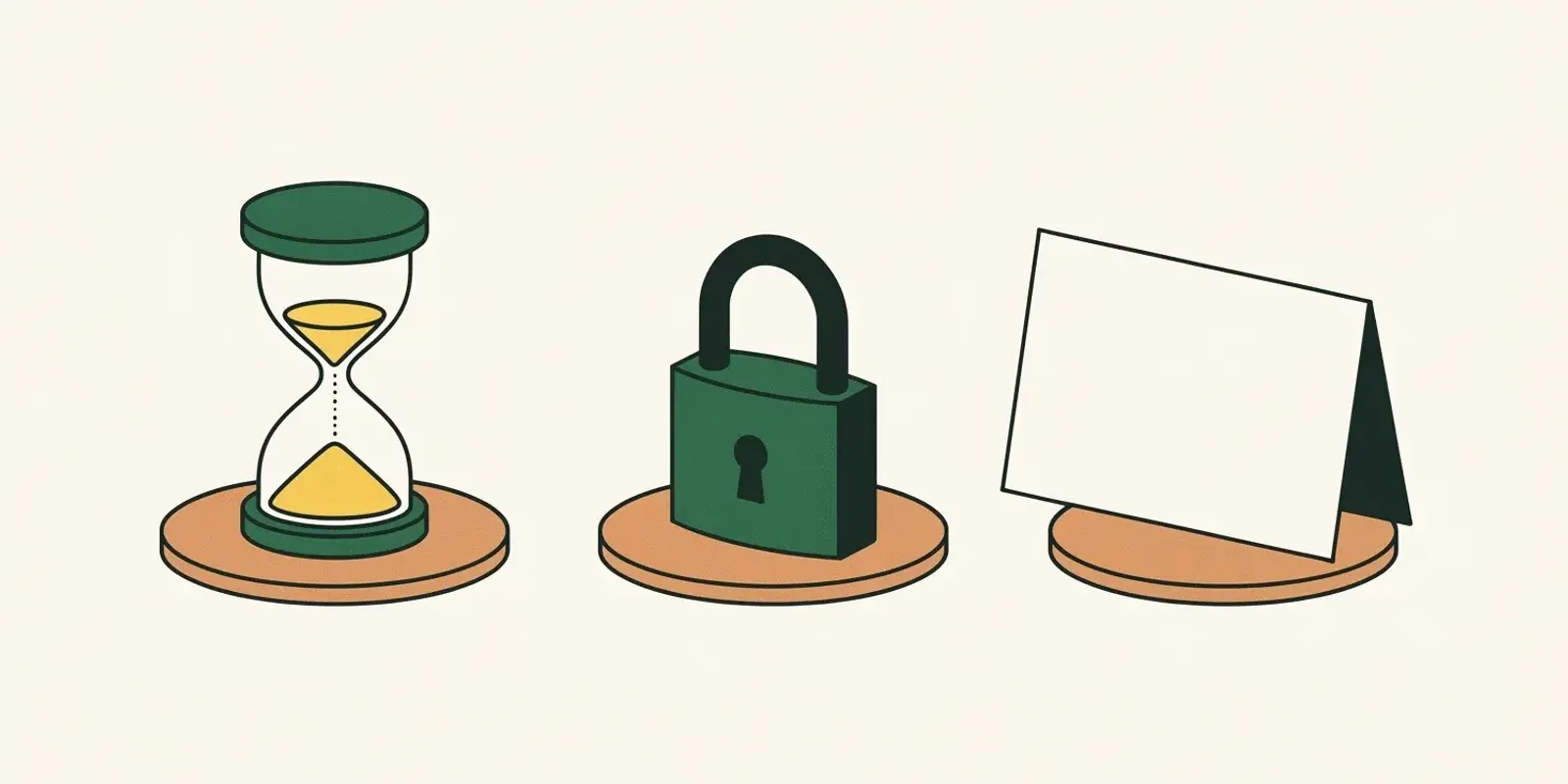
one sec adds a pause. When you open an app you’ve chosen, one sec shows a short breathing exercise first, then asks whether you still want to continue. The idea is that a few seconds are enough to turn a reflex back into a decision.
Opal adds a lock. You start focus sessions or schedules, and the chosen apps and websites are blocked until the session ends. Its Deep Focus mode can’t be ended early, which makes it a strong commitment device.
Braintoll adds a toll. When you open a blocked app, Braintoll shows a few of your flashcards. Reveal the answer, rate how well you knew it, and once you’ve marked enough cards Easy, the app opens for the access time you’ve set. The pause is the same kind of interruption as one sec’s, but you spend it reviewing something you want to learn.
At a glance
| one sec | Opal | Braintoll | |
|---|---|---|---|
| What stands in front of the app | A breathing exercise | A block screen during sessions | Your flashcards |
| When it acts | Every open | During focus sessions and schedules | Every open, or only in active hours |
| Getting past it | Wait, then choose to continue | Wait for the session to end | Mark enough cards Easy |
| What you get from the pause | A moment to reconsider | Uninterrupted focus time | Reviewed vocabulary, facts or exam material |
| Platforms | iPhone, Android, Mac, browser | iPhone, Android, Mac | iPhone, Android |
| Free plan | One app | Limited | One app |
Features and plans change; check each app’s store listing for the current details.
Why a pause that teaches works
A breathing exercise works well at first. Many people find it fades with time: after a few weeks, waiting out a ten-second animation becomes part of the reflex too. And a hard lock works until the first time you really need the app and turn it off.
Braintoll’s toll asks for something different: a small piece of active recall. That keeps it from fading into the background, because you have to think about the answer. And it changes how the interruption feels. You aren’t waiting or being refused; you’re spending a minute on vocabulary, exam material or anything else you’ve decided is worth knowing. Even on days you go through the toll every time, you come out having done some studying.
Cards are scheduled with spaced repetition, so the ones you struggle with come back sooner and the ones you know well step aside. Write your own, start from a preset, import an Anki deck, or generate them with AI from a topic, text or file.
When one sec or Opal is the better choice
- You want a pure pause, no studying. one sec’s breathing exercise asks nothing of you but a few seconds. If you don’t have anything you want to learn, it’s the simpler tool.
- You need a lock you can’t talk yourself out of. Opal’s Deep Focus is designed so you can’t end a session early. Braintoll always lets you leave with Keep my attention, and it doesn’t take the choice away from you.
- You want to block things on your computer too. Both one sec and Opal also run on the Mac. Braintoll is a phone app for iPhone and Android.
- You need to block single websites on Android. On iPhone, Braintoll can block websites and whole categories through Apple’s own list; on Android it blocks apps, including your browser as a whole.
Who Braintoll is for
- Language learners who want their vocabulary reviewed at the moments they already reach for their phone.
- Students who keep falling behind on flashcards and keep opening social apps.
- Anyone who’s tried a blocker before and switched it off because it only ever said no.
Switching to Braintoll
You can try Braintoll next to the app you use now. Start with the free plan, pick the one app you open most without thinking, and give it a week. If the toll works for you, Premium removes the app limit.
Braintoll is not affiliated with or endorsed by one sec or Opal. All product names are the property of their respective owners.